Fix "Not Secure" Warning on Free Hosting
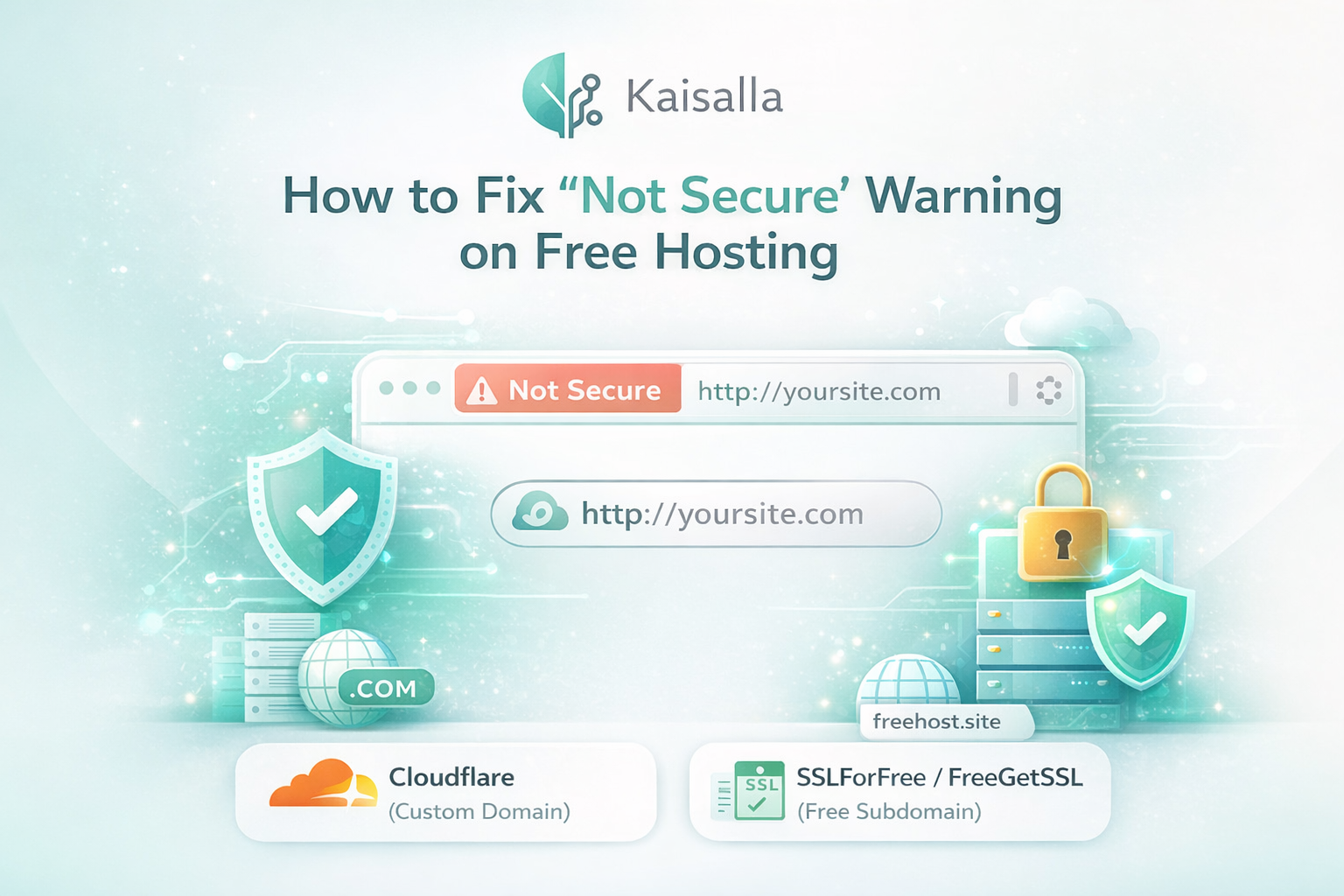
Fix "Not Secure" Warning on Free Hosting
Enable HTTPS for free and boost your website's trust & SEO ranking
Many users who rely on free hosting or free subdomains face a frustrating issue — the browser displays a "Not Secure" warning that scares away visitors.
This commonly occurs with free hosting providers like AwardSpace or InfinityFree.
Good news: We'll show you two reliable solutions to enable HTTPS completely free.
What Is SSL & Why It Matters
SSL (Secure Sockets Layer) encrypts the data flowing between your website and its visitors. Without it, browsers warn users that your site is unsafe.
Use Cloudflare (Best for Custom Domains)
If you own a custom domain (paid domain like .com), Cloudflare is the best free solution to get SSL instantly.
How It Works
Cloudflare acts as a security layer between your domain and hosting server.
Setup Steps
- Create a free account at cloudflare.com
- Add your custom domain to dashboard
- Update nameservers to Cloudflare's
- Set SSL/TLS mode to "Full"
Use SSLForFree (For Free Subdomains)
If you're using a free subdomain, you can use third-party SSL generators.
Recommended Services
- sslforfree.com
- freegetssl.com
Basic Setup Steps
- Generate SSL for your subdomain
- Verify domain ownership (DNS/File)
- Download CRT and KEY files
- Upload to your Hosting Panel > SSL
Which Option Should You Choose?
Final Advice
Free hosting is excellent for learning, but always secure your website with HTTPS. It is the first step in your web development journey!